PDF Tools · Guide
How to Edit a PDF Offline on Windows 11
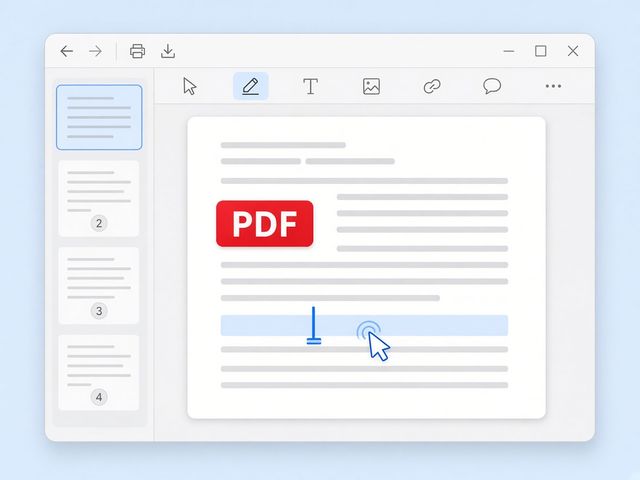
You can change text, fix typos, add notes and sign a PDF on Windows 11 without sending the file to a website. This guide uses PDFgear, a desktop editor with no subscription, and notes where PDF24 Creator is a better fit.
Step-by-step instructions
-
Install a desktop PDF editor
Install PDFgear from its catalog page. During setup, read each screen and leave optional extras unchecked if any are offered.
-
Open the document
Right-click the PDF in File Explorer, choose Open with, and select the editor, or use Open inside the program.
-
Switch to editing mode
Choose the Edit tab in the toolbar. Text blocks on the page become editable boxes.
-
Change the text
Click inside a text box and type. The editor tries to match the original font; if the font is not installed, it substitutes a similar one.
Keep edits short. Rewriting long paragraphs can push text outside the box, because PDF pages have fixed layouts.
-
Add comments or highlights
Use the Comment (or Annotate) tools to highlight, underline or add sticky notes. Comments do not change the original text, which is safer for contracts and reviews.
-
Sign or fill forms
For forms, click each field and type. To sign, use the Fill & Sign tools to draw, type or insert an image of your signature.
-
Save as a new file
Use File → Save As and give the file a new name. Open the result once to check that fonts, line breaks and images look right.
When to choose another tool
If you only need to combine, split or compress documents, the separate tools in PDF24 Creator are faster. For reading and quick highlights, a viewer like SumatraPDF starts instantly.
Frequently asked questions
Can I edit a PDF without Adobe Acrobat?
Yes. Desktop editors such as PDFgear edit text, images and pages locally. Acrobat is not required to edit PDFs.
Why does the font look different after editing?
The original font is missing on your PC or embedded only partially. Install the font or choose a similar one for the edited text.
Is editing offline safer than online editors?
Offline editing keeps the document on your computer. Online editors upload files to a server, which may not be acceptable for confidential documents.
Software used in this guide
-
Download
PDFgear
All-in-one PDF editor for editing text, converting, signing and organizing pages.
Proprietary, no-cost license
-
Download
PDF24 Creator
Toolbox of offline PDF utilities with a virtual PDF printer, OCR, merging and compression.
Freeware, including commercial use


Related guides
Guide · 2 min read
How to Make a Scanned PDF Searchable on Windows 11
Add a text layer to scanned PDFs with offline OCR so you can search, select and copy the text.
Guide · 2 min read
Scan Multiple Pages Into One PDF on Windows 11
Scan a stack of pages, reorder them and save everything as a single PDF file.
Guide · 2 min read
Merge PDF Files Offline on Windows 11
Combine several PDFs into one document on your PC with PDF24 Creator or PDFsam Basic.